
This worksheet is from the “Mastering the Math Milestone” book from the chapter on shapes and dimensions. This worksheet is practice in understanding the relationship between width and height. It also tests the child’s skill in size comparison.
Download Printable PDFRelated Worksheets
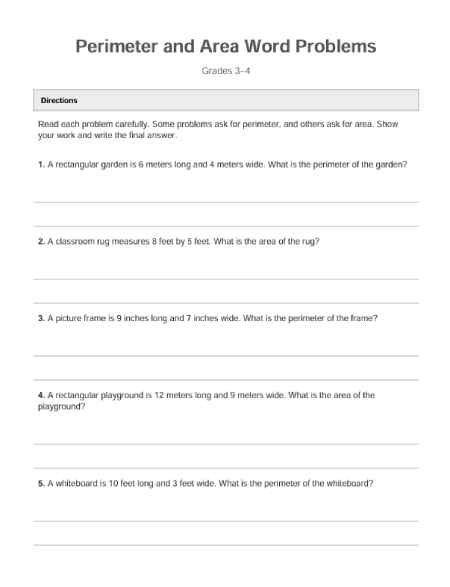
Perimeter & Area Word Problems (Grades 3–4)
This Perimeter and Area Word Problems worksheet for Grades 3–4 gives students meaningful practice applying geometry skills to real-world situations. The problems focus on finding perimeter and area of rectangles using everyday contexts like gardens, rooms, rugs, and posters. Students
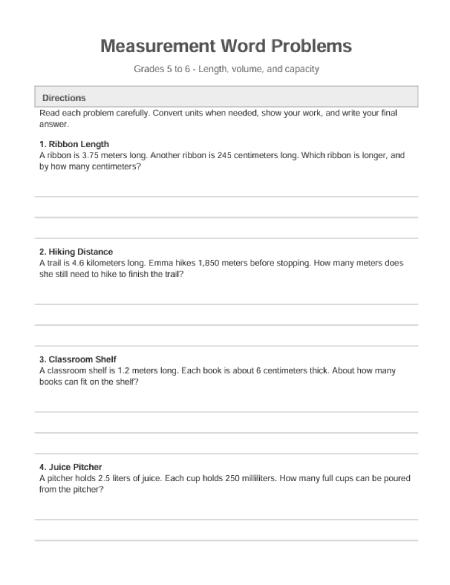
Measurement Word Problems Worksheet (Grades 5–6)
This free printable measurement word problems worksheet is designed for Grades 5–6 and gives students meaningful practice with length, volume, and capacity in real-world situations. The worksheet includes original, multi-step measurement word problems that require students to convert units, compare
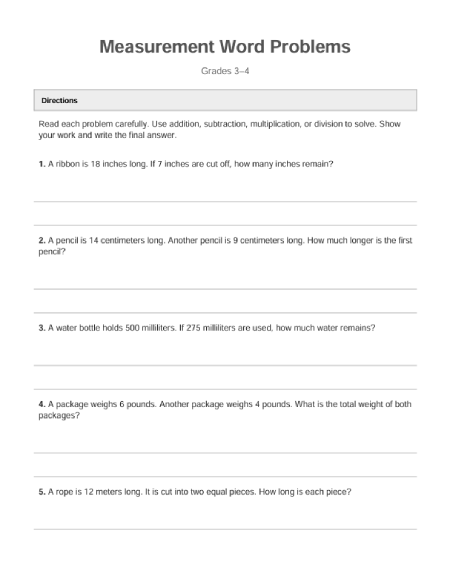
Measurement Word Problems (Grades 3–4)
This Measurement Word Problems worksheet for Grades 3–4 helps students practice applying math skills to real-world measurement situations. The problems include working with length, weight, and capacity, using both customary and metric units. Students are encouraged to read carefully, convert

Area, Perimeter & Volume Formulas – Printable Reference
This printable Area, Perimeter, and Volume formulas reference sheet is designed as a clear, one-page visual guide for middle school math students. It includes commonly used formulas for shapes such as rectangles, triangles, circles, prisms, cylinders, cones, and spheres —
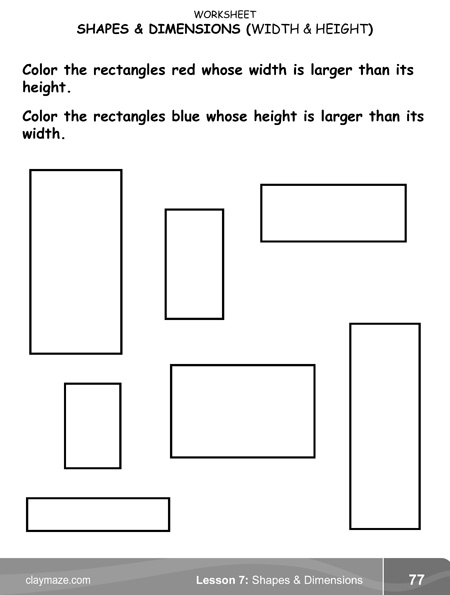
Shapes and Dimensions: Rectangles and Squares
This worksheet is from the “Mastering the Math Milestone” book from the chapter on shapes and dimensions. This worksheet is practice in understanding the relationship between width and height. It also tests the child’s skill in size comparison.
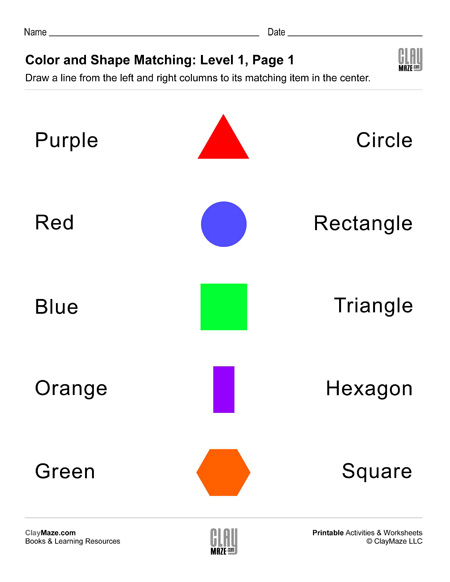
Shapes and Colors Worksheets
These free printables are for students learning about colors and shapes. Draw lines to match the correct color names and shape names. Set 1: Basic colors and shapes. Set 2: Intermediate colors and shapes.